- Free Shipping for orders over $249*

- +1 800-943-2341
- Aptika.com


- Aptika.ca

- Currency: USD
 My Account



Promotion*
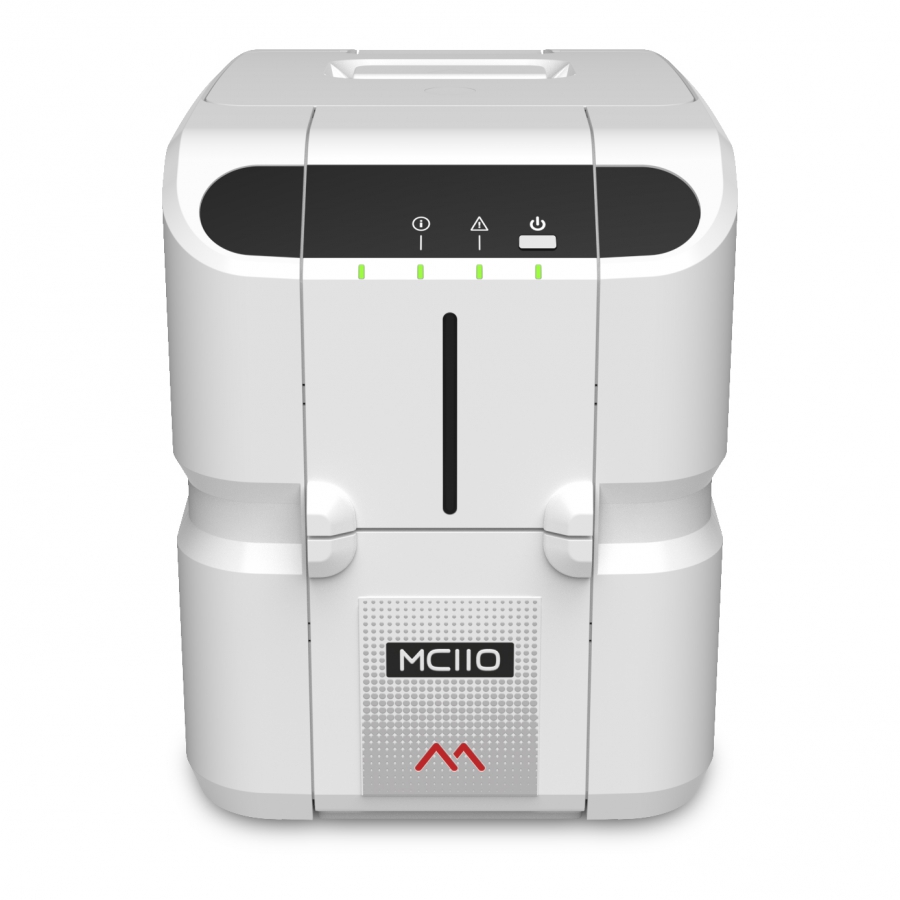
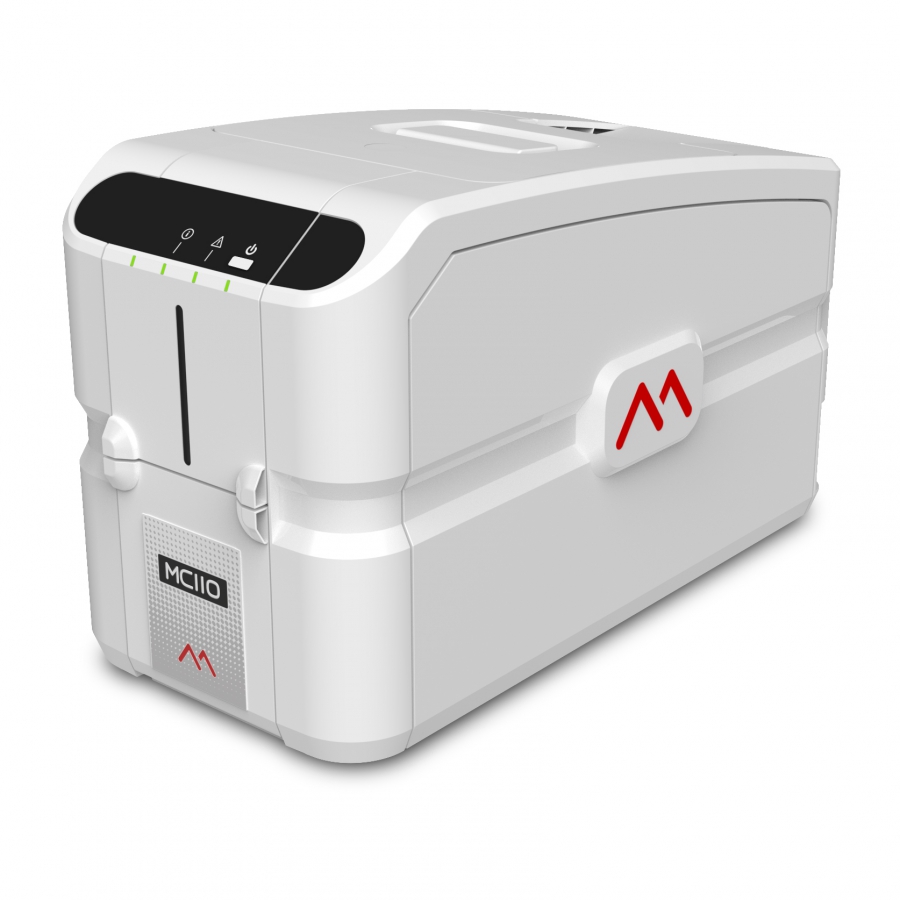
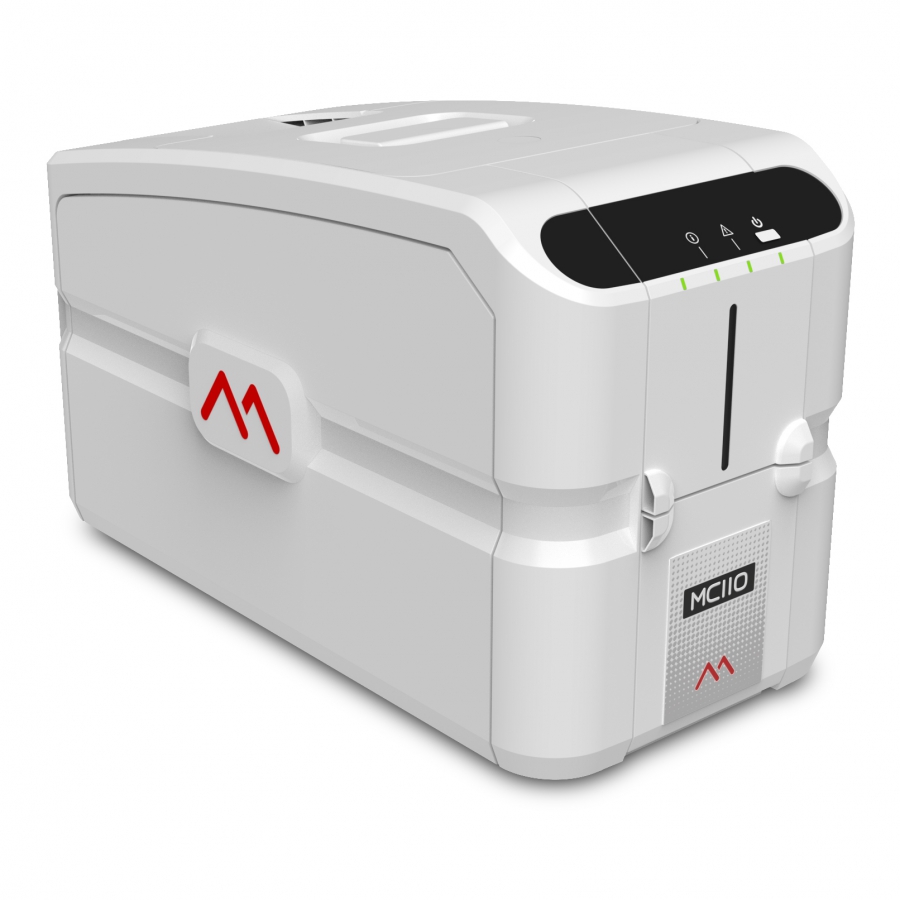
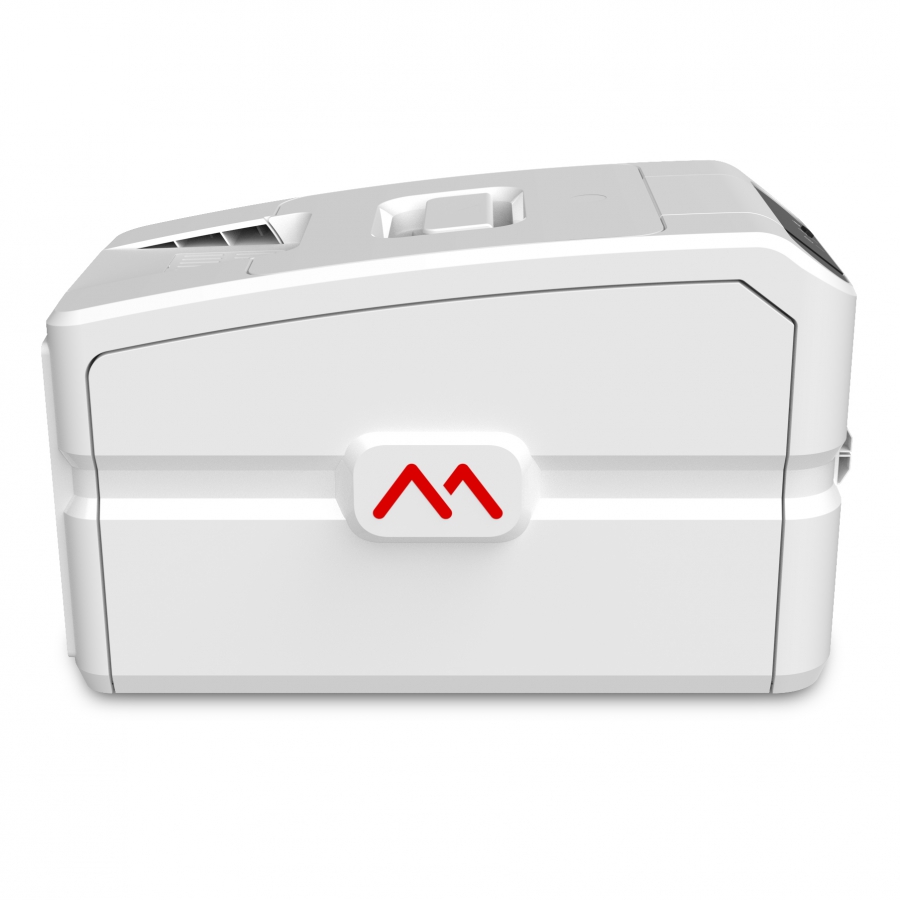
Matica MC110 - Single Sided - USB
For simple, entry-level card issuance solutions. The MC110, Single Sided and USB from Matica uses the robust, reliable print engine from Matica's MC direct-to-card range to produce vibrant, colorful cards, perfect for card personalization.
MC110 - Single Sided: For simple, entry-level card issuance solutions.
Designed to simplify the card issuance process, the MC110, Single Sided and USB from Matica brings a user-friendly "plug & print" operation to issuers with basic card issuance needs. The MC110 uses the robust, reliable print engine from Matica’s MC direct-to-card range to produce vibrant, colorful cards, perfect for card personalization.
Widely used by membership organizations and small-sized businesses for ID issuance, users have the option to upgrade the MC110 from single to dual-sided print. The MC110 also has a contactless encoder option for issuing smart cards tailored to business requirements such as entry control.
Key strengths
- High-quality 300dpi printing
- Up to 150 color cards per hour
- Single-sided to dual-sided option with field upgradability
- Robust, reliable build quality
- Contactless encoding option
- 2-year warranty
(subject to the use of chromXpert® ribbons)
Ideal for
- Entry-level
- Mid to low-volume card issuance
Options
- Dual-sided printing
- Contact encoding
- Contactless encoding
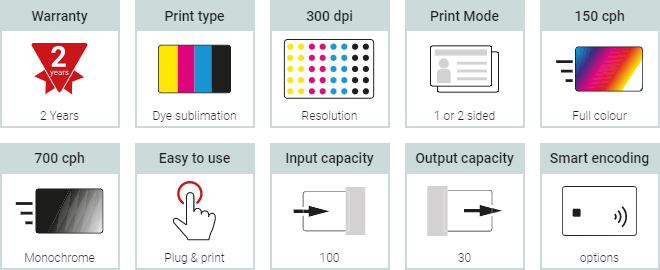
Upgradable from single to dual-sided, the MC110 is also available with a contact/contactless encoder for the issuance of smart cards for access and entry control.
* Promotion not transferable, valid only for the duration of the promotion.



Recommended Articles
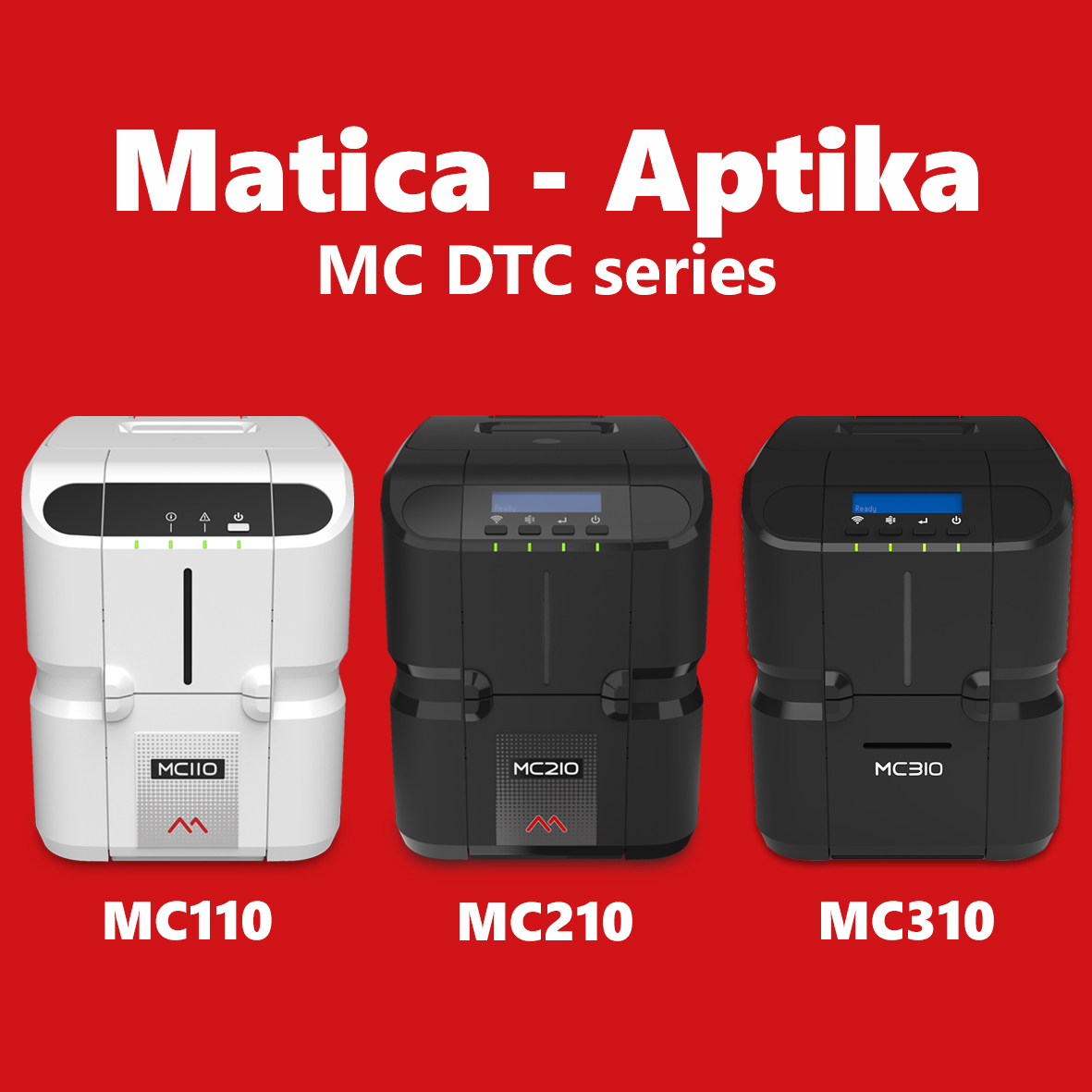 | Aptika announces a new partnership with Matica Group to offer our Canadian and US customers the direct-to-card MC110, MC210, and MC310 printers. | |
 | In this video, I will show how to install the Windows driver for a Matica MC110 printer connected via USB. The MC110 uses the robust, reliable print engine from Matica's MC direct-to-card range to produce vibrant, colorful cards. | |
 | In this video, I will show you how to load cards in a MC110 Matica printer. The Matica Genuine Consumables have been exclusively designed to work together in perfect harmony with the Matica MC110, MC210, and MC310 desktop printers. | |
 | How to install a ribbon in a MC110 Matica printer. The Matica Genuine Consumables have been exclusively designed to work together in perfect harmony with the Matica MC110, MC210, and MC310 desktop printers. | |
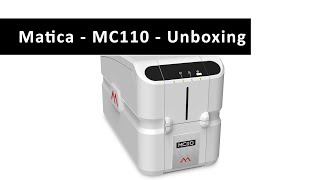 | I am unboxing a Matica MC110 card printer. Designed to simplify the card issuance process, the MC110 from Matica brings a user-friendly "plug & print" operation to issuers with basic card issuance needs. | |

Get a FREE 3-month IDpack Business subscription
Included with this ($69.75 value).
Easily design, manage, and print professional ID cards online.

Scan this QR code and see this product on your Smartphone with our Aptika Mobile App.

Is this product right for you?
Ask our experts! (800) 943-2341


