- Free Shipping for orders over $249*

- +1 800-943-2341
- Aptika.com


- Aptika.ca

- Currency: USD
 My Account



Promotion*
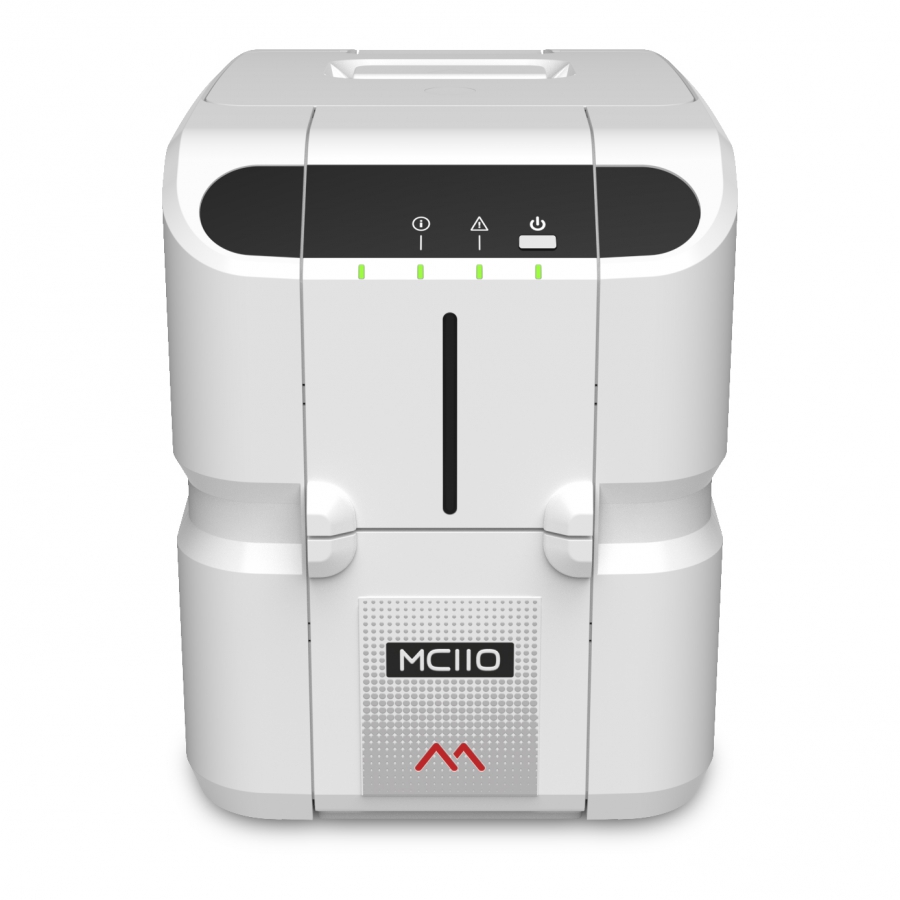
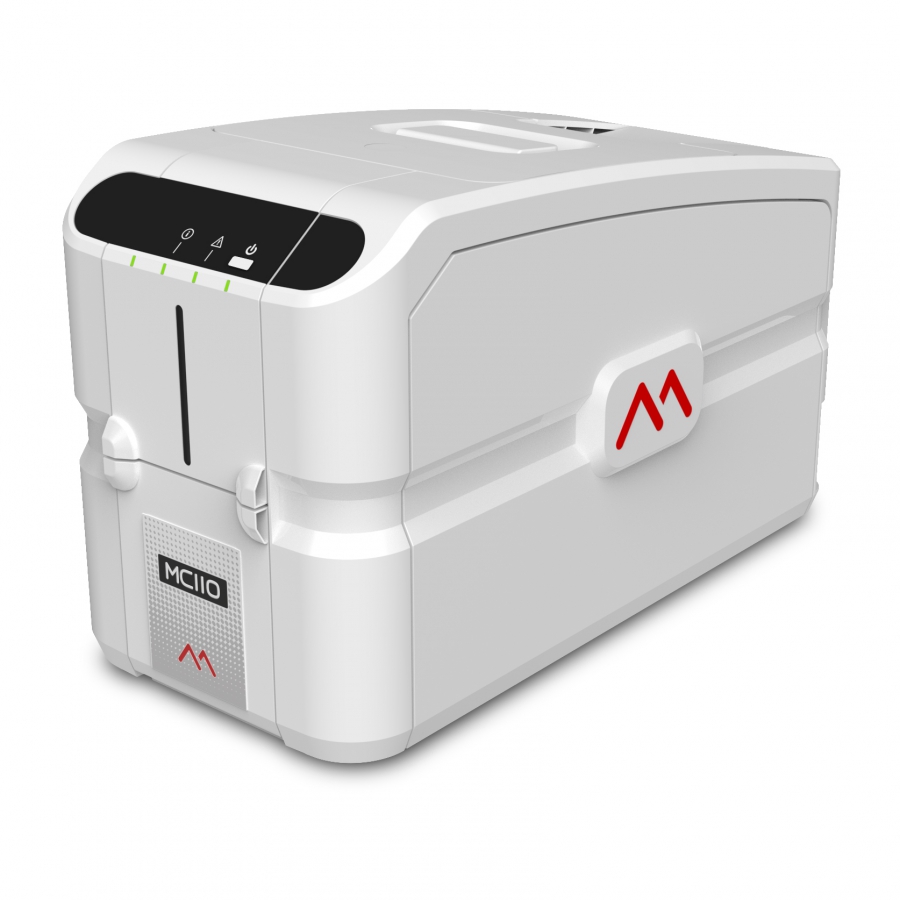
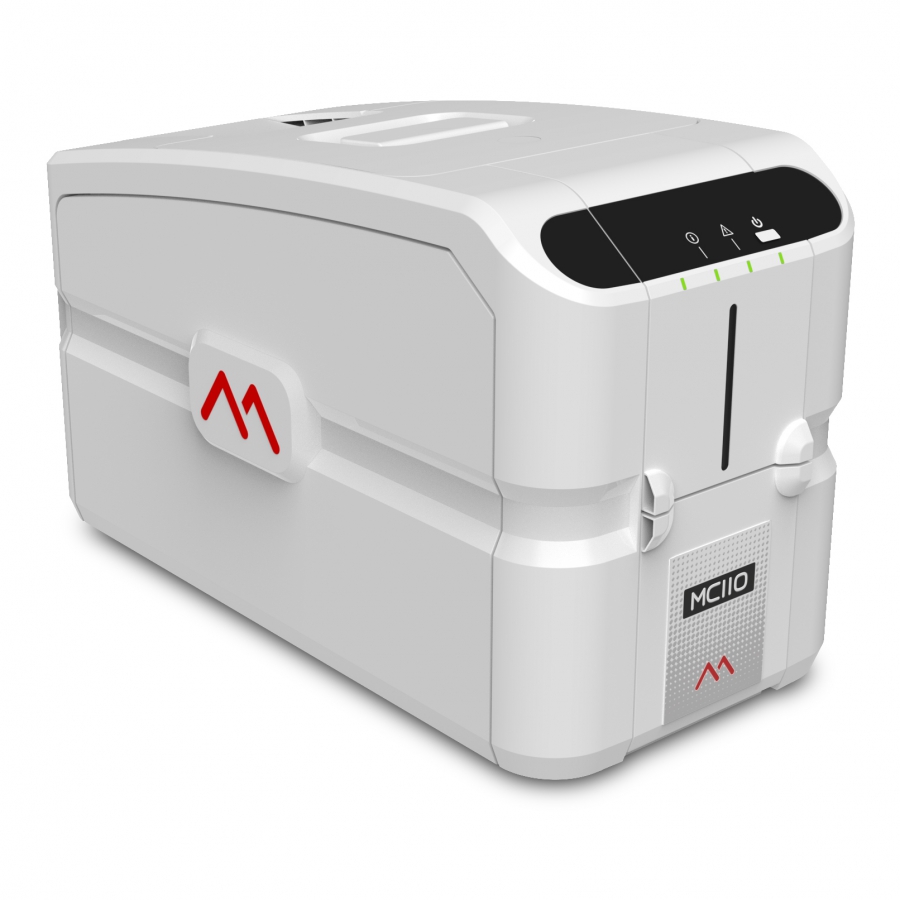
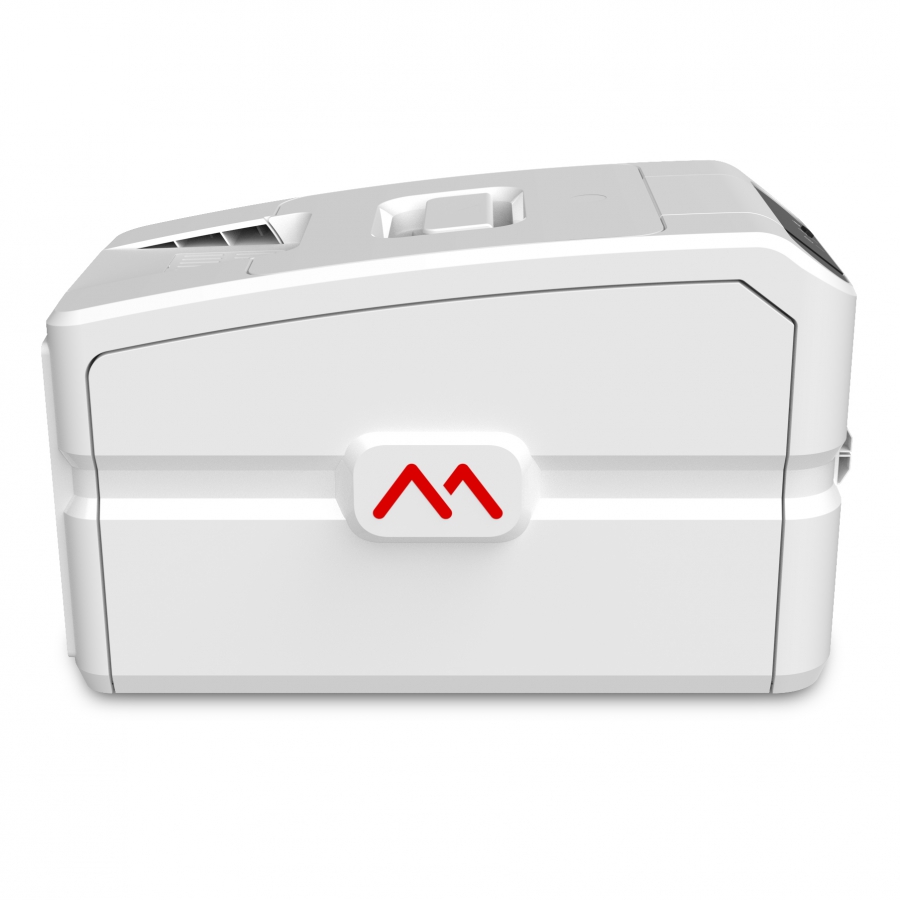
Matica MC110 - Single Sided - USB
For simple, entry-level card issuance solutions. The MC110, Single Sided and USB from Matica uses the robust, reliable print engine from Matica's MC direct-to-card range to produce vibrant, colorful cards, perfect for card personalization.
MC110 Technical Specifications
PRINTINGMethod
Dye sublimation
Mode
Direct-to-card
Resolution
300dpi
Speed
Up to150 cph (YMCKO)
Up to 700 cph (Monochrome)
ENCODING
Options
Contact encoder
Contactless encoder
CARDS
Format & materials
ISO CR80 PVC
PVC-C
Input hopper
100 cards
Output hopper
30 cards
CONNECTIVITY
Connectivity
USB 2.0
PLATFORM
Printer dimensions (L x W x H)
406 x 212 x 256mm
15.9” x 7.9” x 10.6”
Weight
10kg
22lbs
Compatibility
Windows & macOS
* Promotion not transferable, valid only for the duration of the promotion.



Recommended Articles
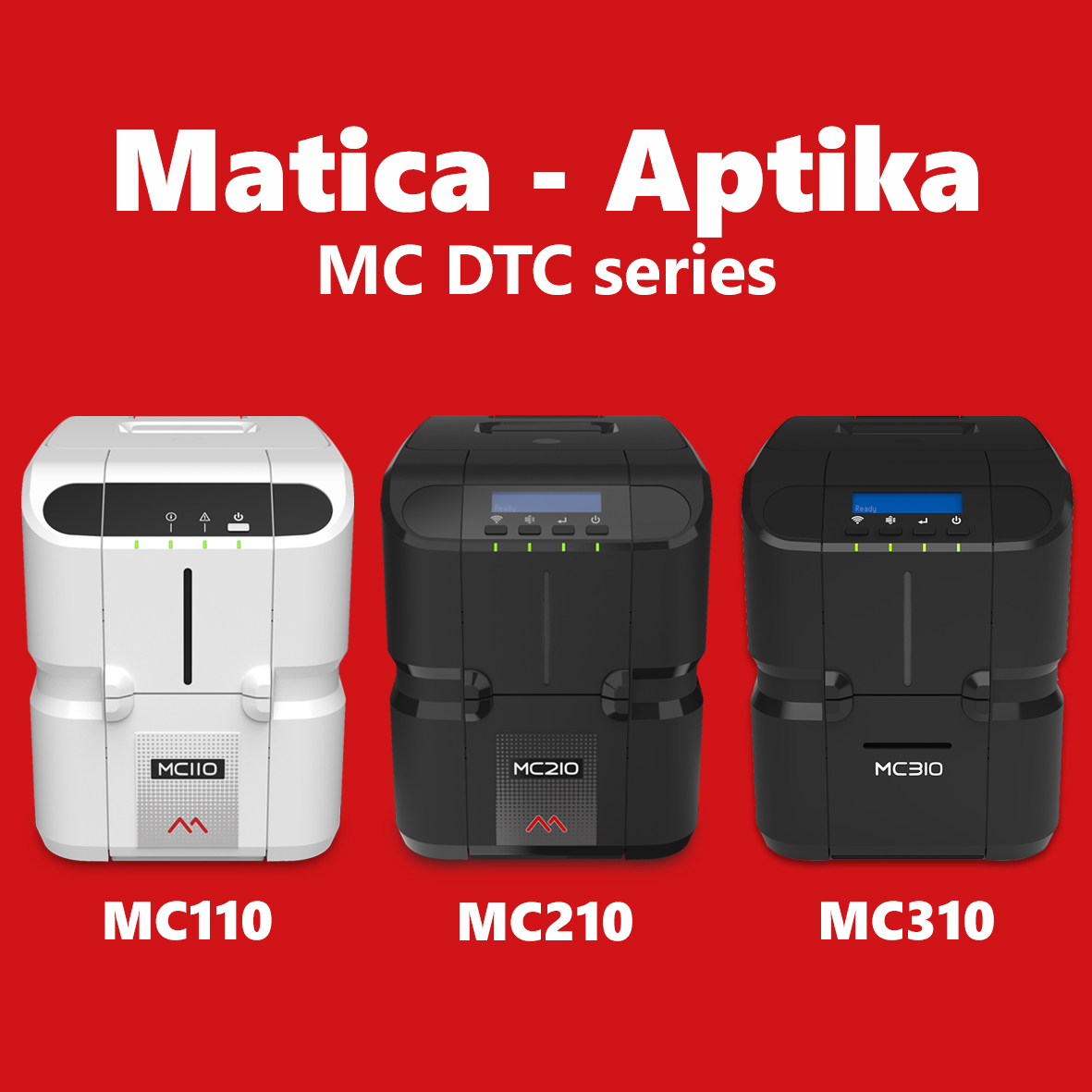 | Aptika announces a new partnership with Matica Group to offer our Canadian and US customers the direct-to-card MC110, MC210, and MC310 printers. | |
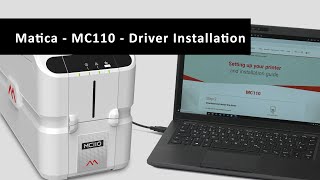 | In this video, I will show how to install the Windows driver for a Matica MC110 printer connected via USB. The MC110 uses the robust, reliable print engine from Matica's MC direct-to-card range to produce vibrant, colorful cards. | |
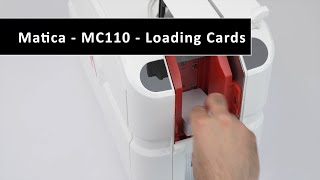 | In this video, I will show you how to load cards in a MC110 Matica printer. The Matica Genuine Consumables have been exclusively designed to work together in perfect harmony with the Matica MC110, MC210, and MC310 desktop printers. | |
 | How to install a ribbon in a MC110 Matica printer. The Matica Genuine Consumables have been exclusively designed to work together in perfect harmony with the Matica MC110, MC210, and MC310 desktop printers. | |
 | I am unboxing a Matica MC110 card printer. Designed to simplify the card issuance process, the MC110 from Matica brings a user-friendly "plug & print" operation to issuers with basic card issuance needs. | |

Get a FREE 3-month IDpack Business subscription
Included with this ($69.75 value).
Easily design, manage, and print professional ID cards online.

Scan this QR code and see this product on your Smartphone with our Aptika Mobile App.
Is this product right for you?
Ask our experts! (800) 943-2341


